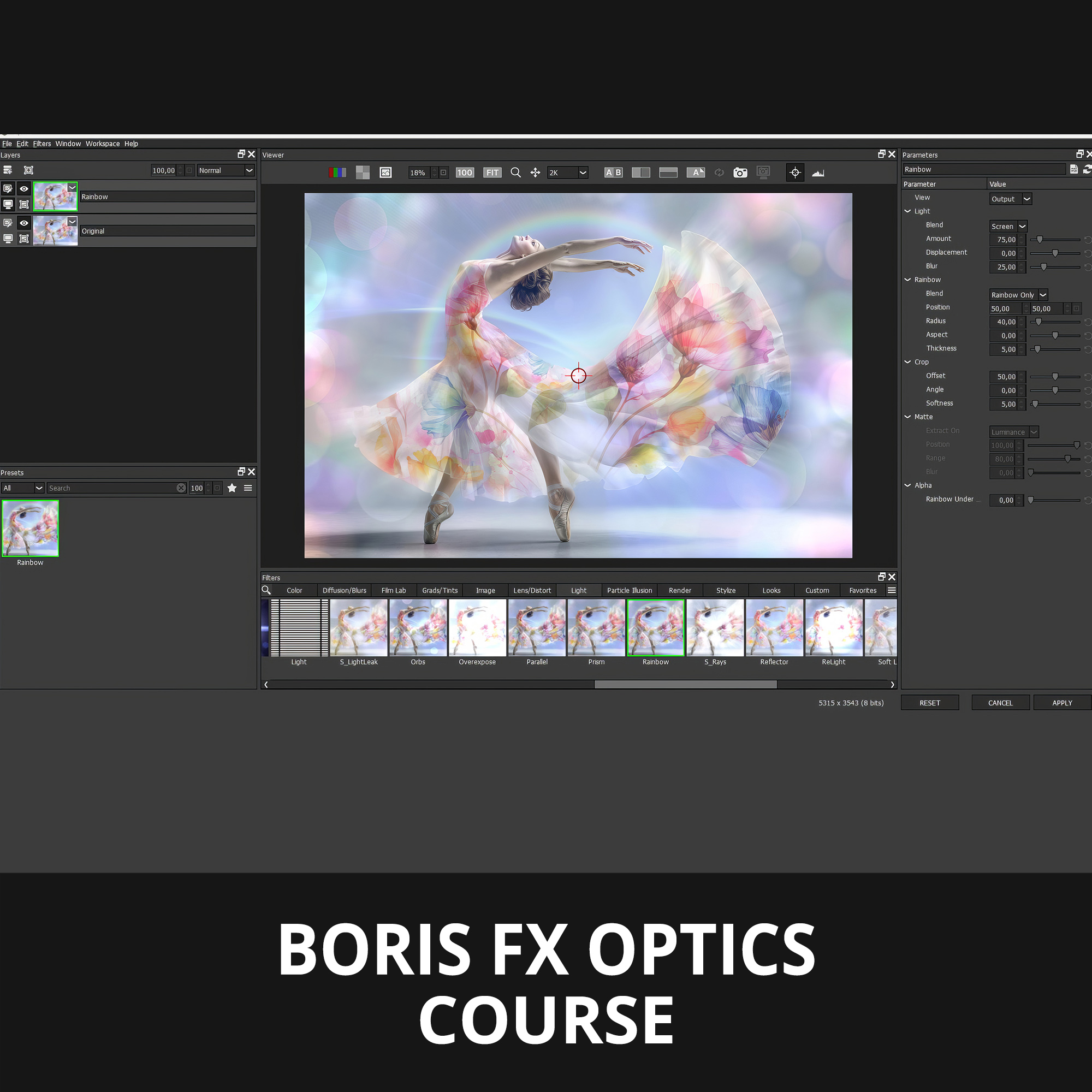

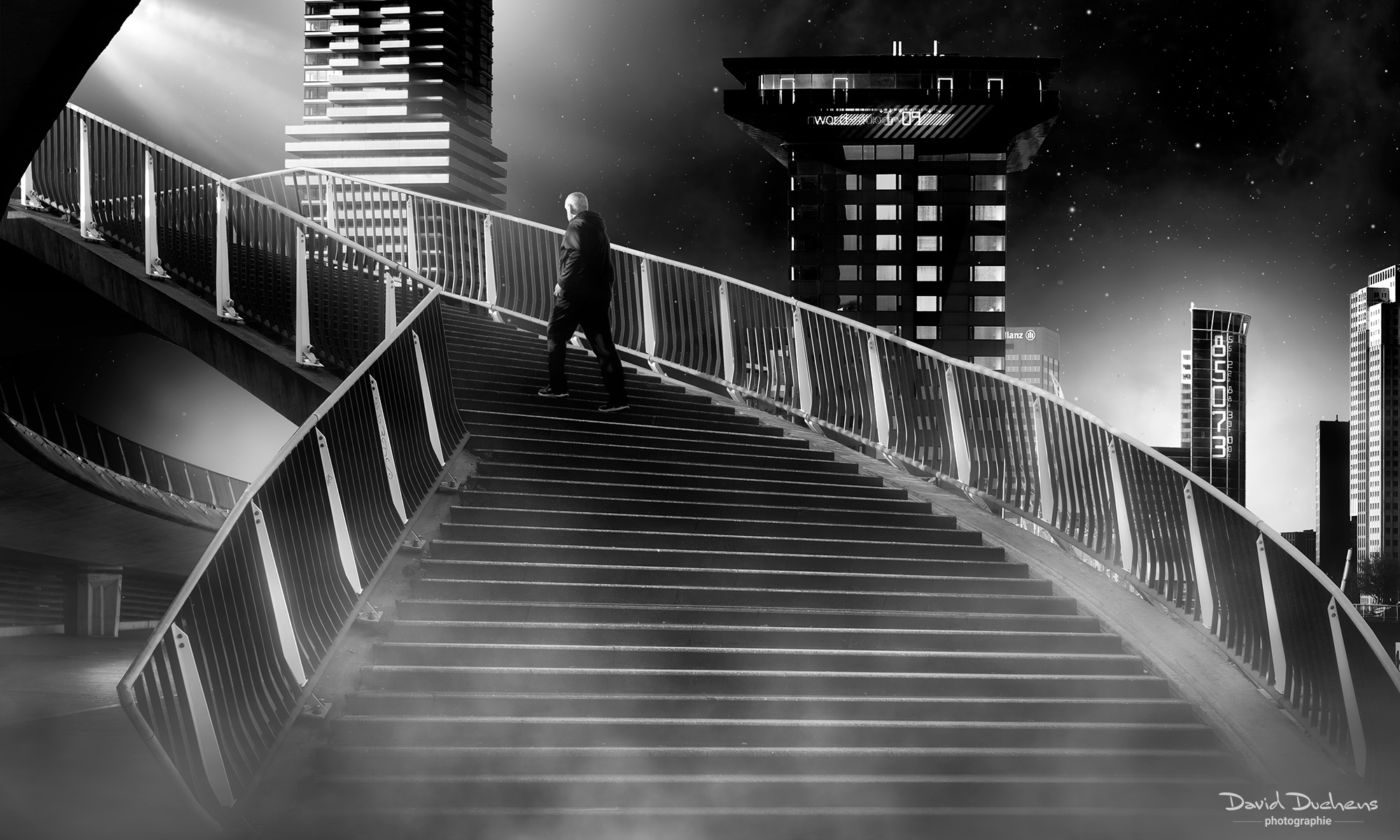
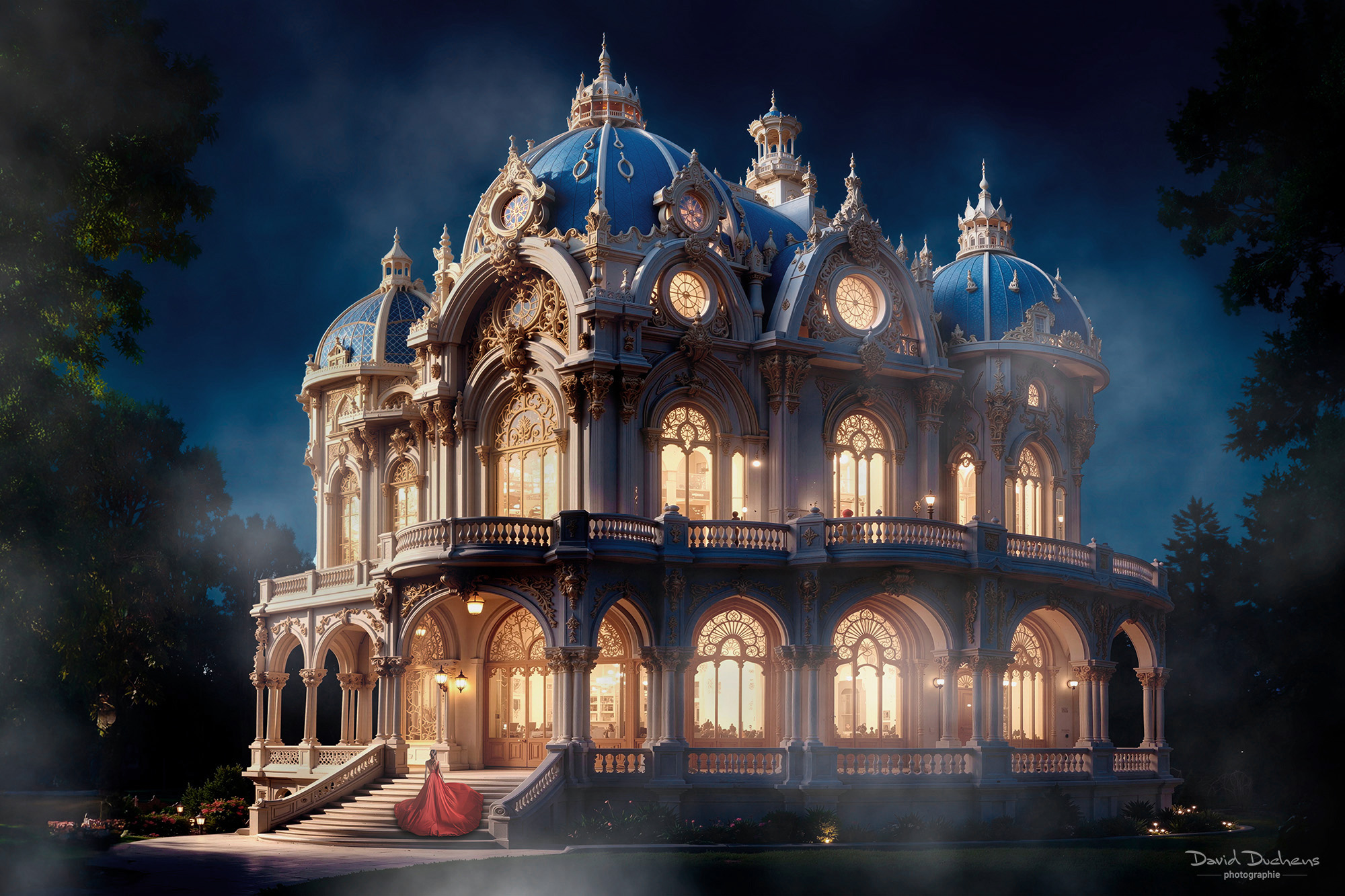
Boris FX Optics course
129,00€
(107.50 Euros before tax)
- Price for 1 person
- Course duration: 3 hours
- Prerequisites: Basic knowledge of Photoshop when used as a plug-in.
- Video recording included
The date and time of the lesson will be arranged by email or phone after booking,
taking into account our availability and the time difference.
(see description below for more details)
New Course: Master Boris FX Optics
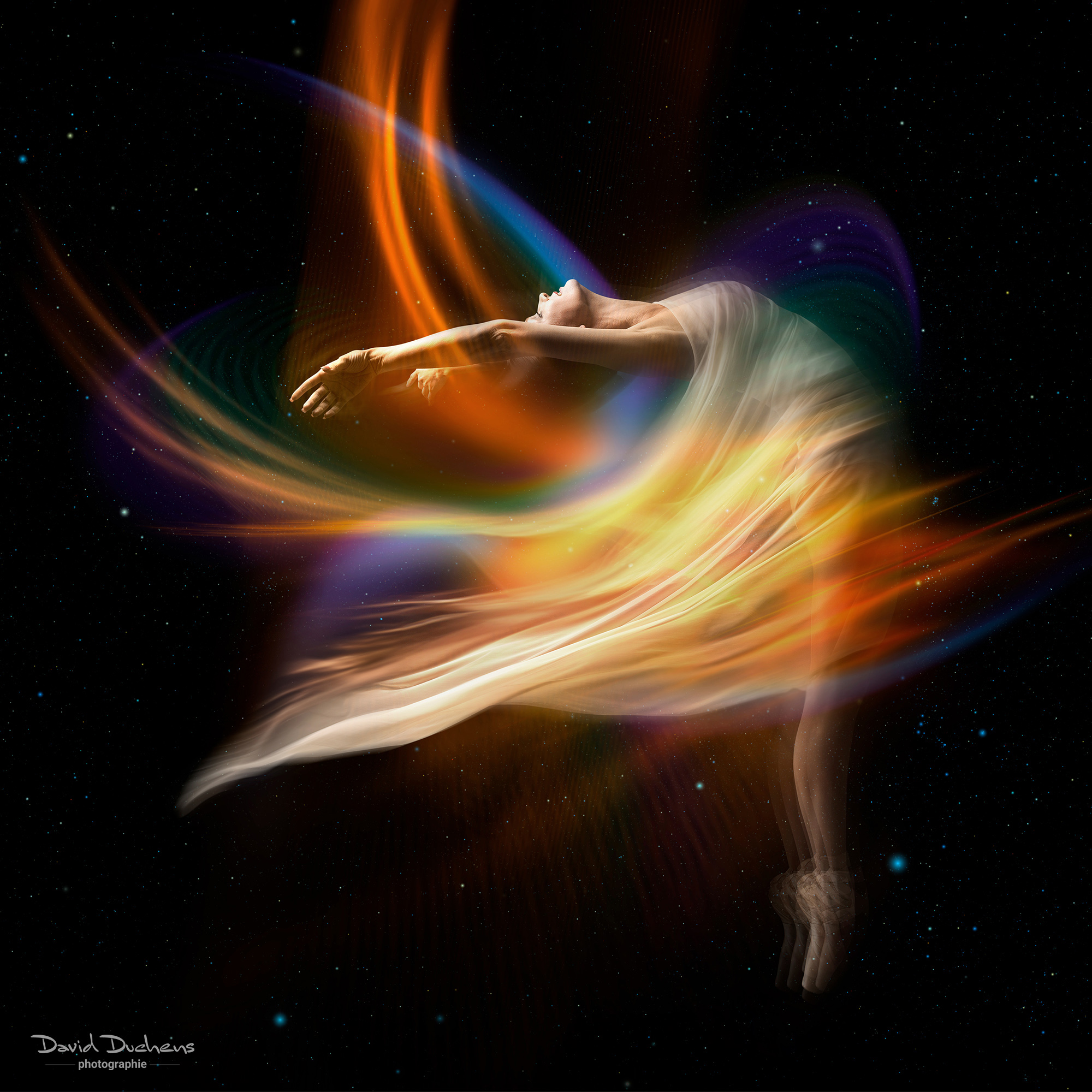
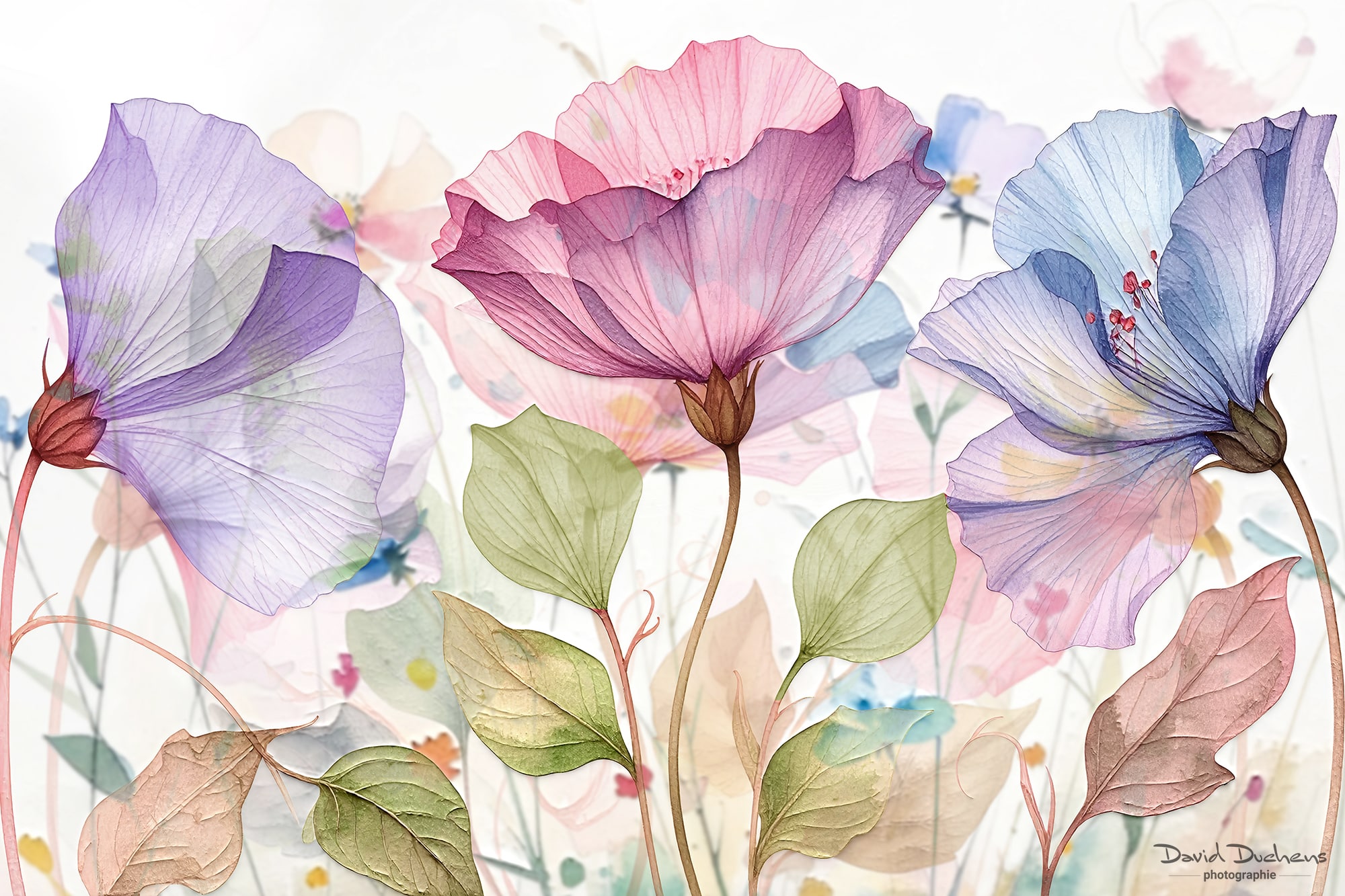
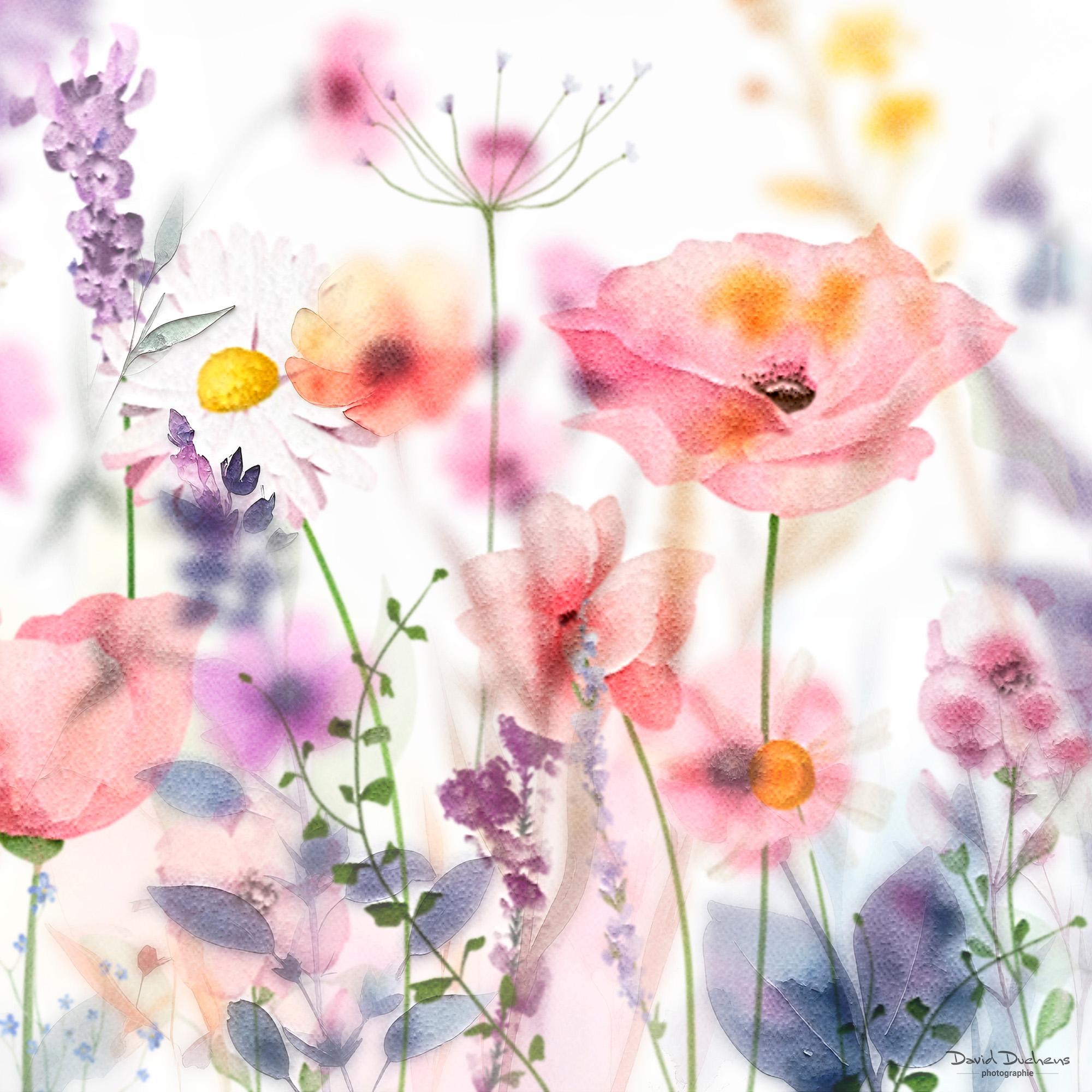
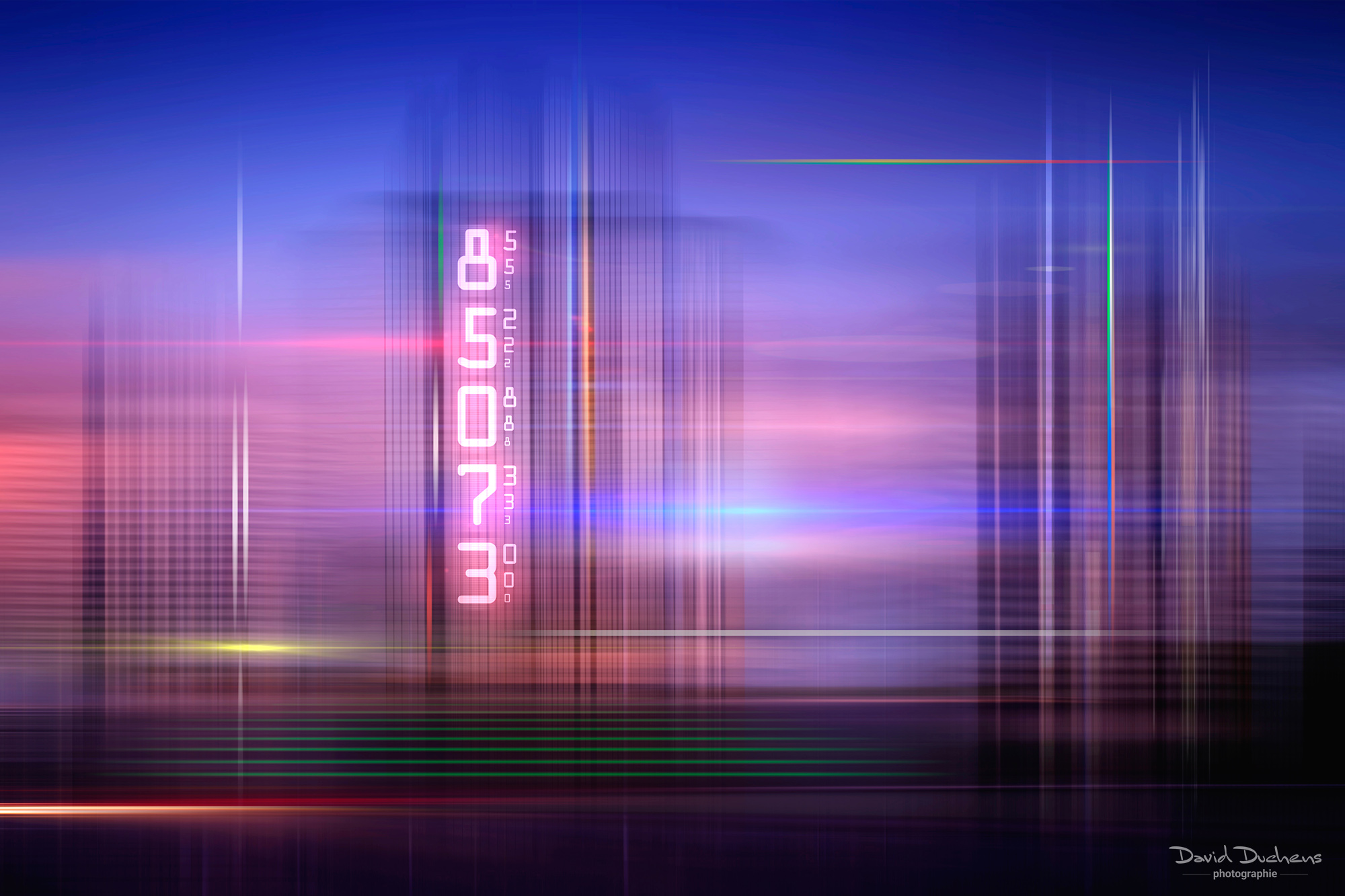
Step into the world of Boris FX Optics, the essential software to bring your images to life with spectacular visual effects and unique atmospheres.
It’s one of my favorite tools, which I use almost every day thanks to its perfect balance of creative power and ease of use.
Although the sheer variety of features may seem overwhelming at first, its intuitive interface allows you to achieve professional-quality results in just a few clicks.
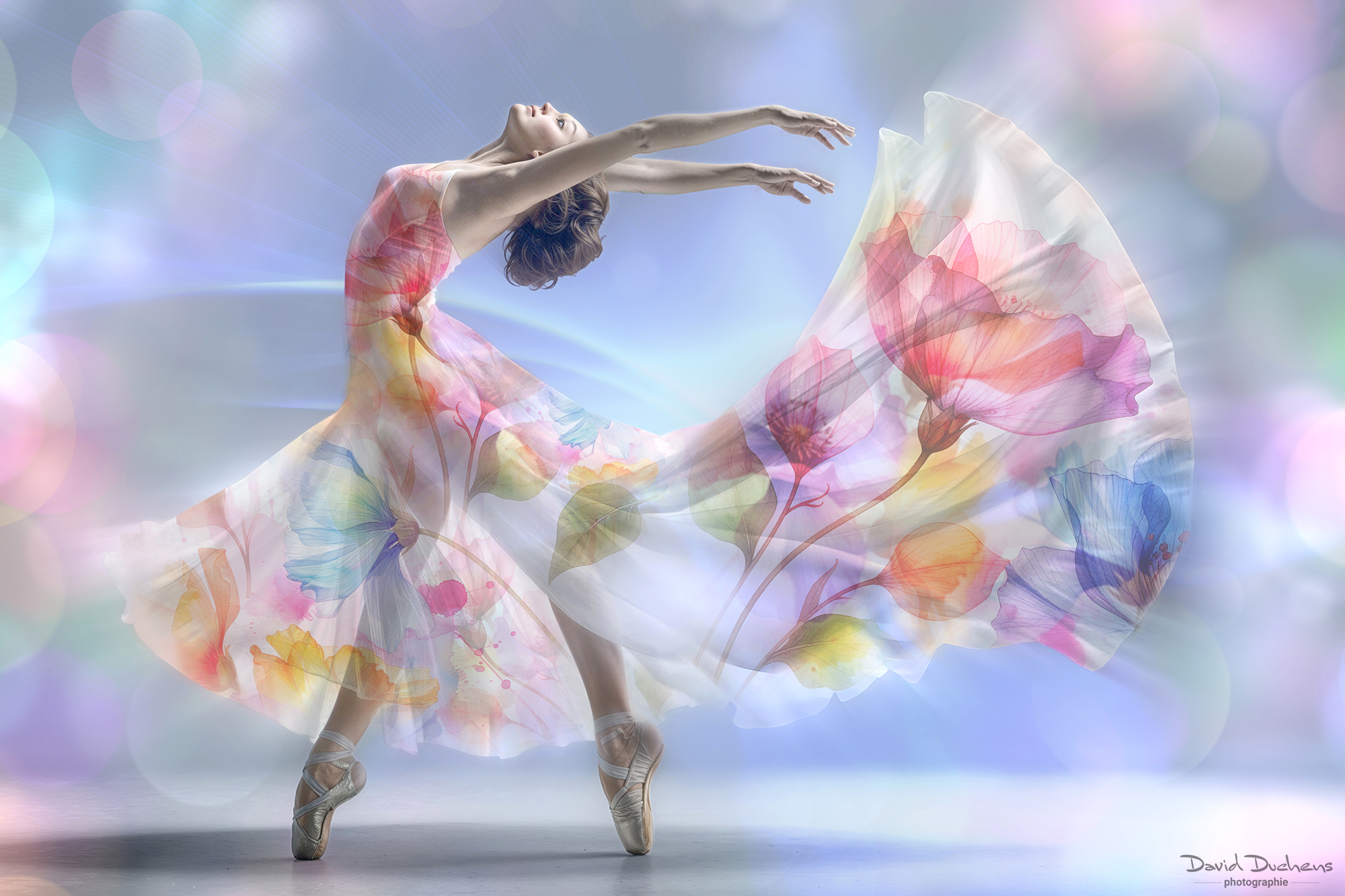
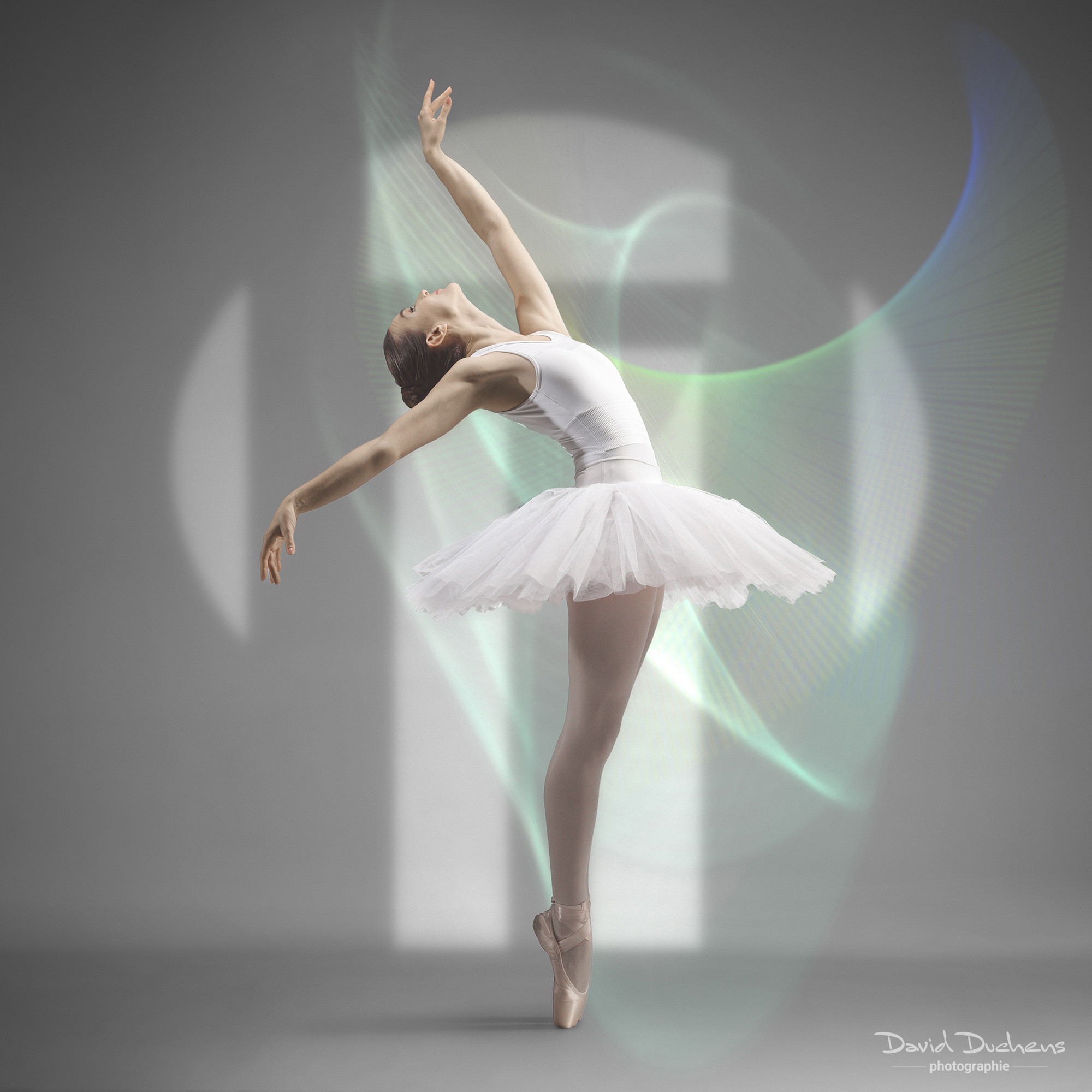
With Boris FX Optics, you’ll be able to create stunning visual atmospheres faster and more easily than with Photoshop.
In this course, you’ll not only learn how to master the software, but more importantly, how to enhance your images without wasting time.
What is Boris FX Optics?
- A software/plug-in developed by Boris FX, designed for photo retouching and visual effects (VFX) for photographers, graphic designers, and digital artists.
- Can be used as a standalone application (macOS and Windows) or as a plug-in for Photoshop and Lightroom.
- Offers an extensive library of filters, film simulations, lens flares, lighting effects, particles, and more—directly inspired by cinema and television.
Key Strengths
- Unlimited creativity: an impressive variety of filters, presets, and effects.
- Versatility: effects that adapt to any image style.
Course Content
- Exploring the interface
- Categories, presets, and settings
- Working with layers
- Blend modes
- Masks and subject selection
Since the possibilities are vast, I will focus on the effects I most often use in my own daily work.
How the course Works
- One-on-one course, online and live via Zoom.
- Easy access: no account required. You’ll receive an invitation link by email before the session.
Preparation
- Install Boris FX Optics on your computer as a Photoshop plug-in.
- If you haven’t purchased the software yet, you can download the trial version (HERE) a few days before the class, as the trial period is limited.
- Also make sure to check the recommended system requirements.
- If you need help with installation, please contact me before the course.
Structure
- A mix of theory and practice, tailored to your level of knowledge and your specific needs.
- During the practical part, you’ll be guided step by step through the image creation process.
Resources Provided
- Course video: recorded live and sent to you in MP4 format via WeTransfer after the session.
- Practice files: the images used during the course will be provided in advance.
👉 Result: By the end of this course, you’ll be able to use Boris FX Optics to enrich your images with professional-grade visual effects—while saving time and working more efficiently.
2 reviews for Boris FX Optics course
Only logged in customers who have purchased this product may leave a review.


Danielle Lapointe (verified owner) –
“Thank you, David, once again for such an amazing workshop. You peaked my curiosity when you started talking about the Boris FX Optics plug-in, and after spending a few months playing around with it, I knew there was still so much more to discover.
Your workshop really opened my eyes to new ways of using it and gave me the tools to take my creative editing to the next level. I can’t thank you enough for sharing your knowledge and experience. Whether I’m having challenges in Photoshop or Boris, I know I can always count on you for help and inspiration. Your workshops have truly been such a big part of pushing my creativity forward!”
Sveltlana M. (verified owner) –
I really enjoyed David’s new class on BorisFX Optics. I installed the app a day before the lesson and practically knew nothing about it other than it renders awesome results. David demos were easy to follow and I was able to edit two different images with Boris Optics during the class. By the end of the lesson I felt that I know enough about Boris Optics to start using it on my own at ease. I highly recommend this course.