

Floral art Photoshop course
Original price was: 149,00€.119,00€Current price is: 119,00€.
(124.17 Euros excl. VAT))
- Rate for 1 person
- Course duration: 3 hours
- Prerequisites: basic knowledge of Photoshop
- Video summary provided (recorded live during the course)
The date and time of the lesson will be arranged by email or phone after booking,
taking into account our availability and the time difference.
(see description below for more details)
Learn how to bring creativity to your floral images
Presentation:
Floral photography offers infinite creative and artistic possibilities. In this course, you'll learn how to create images in a variety of styles, using different techniques and effects in Photoshop.
By the end of the course, you'll be able to add a truly creative touch to your images.
The techniques studied can also be applied to other fields, such as still life.
Course content :
Background cropping: this involves working on an alpha layer to separate the background from the subject. This highly effective technique preserves the small details that can be very fine on this type of subject. Trimming is the first step before applying effects.
Mask enhancement: here you'll learn how to refine the selection on the merge mask, and, if necessary, by working with a brush where necessary (in mask mode).
Adding textures: you'll learn how to place textures behind the subject, but also on top of it, by playing with blend modes.
Stacking effect: you'll learn how to create an image that approximates the result obtained by intentional camera movement (commonly known as ICM).
Trail blur: this filter offers great possibilities, creating directional movement effects. One of its settings can also be used to obtain an effect akin to double exposure. More on this later.
Texture creation: using a brush previously created from a flower, you'll learn how to create your own textures.
Q&A: we'll review the concepts we've studied, and I'll answer any questions you may have.
Additional software :
NIK COLLECTION must be installed on your computer.
If you don't have it, you can find a trial version, or buy a license on the DxO website.
Notes :
This course consists of a theoretical and a practical part. I will adapt and alternate these two parts according to the knowledge you have already acquired, and the techniques I will introduce to you.
For the practical part, you will be guided through the image creation process.
Video summary:
This course is accompanied by a video summary.
It is recorded during the course and summarizes the key points. Also, depending on your specific needs, which will be assessed during the course, certain additional points may be added to the video.
The video summary will be sent to you in MP4 format, via WeTransfer, after the course.
Related products
-
Sale!
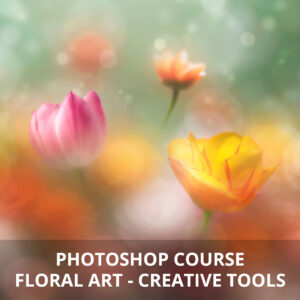
Floral art – creative tools Photoshop course
Original price was: 149,00€.119,00€Current price is: 119,00€. -
Sale!
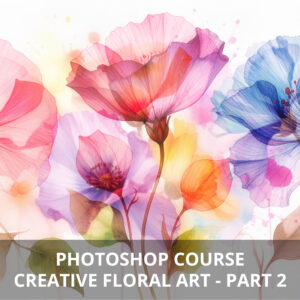
Creative floral art part 2 Photoshop course
Original price was: 149,00€.119,00€Current price is: 119,00€. -
Sale!
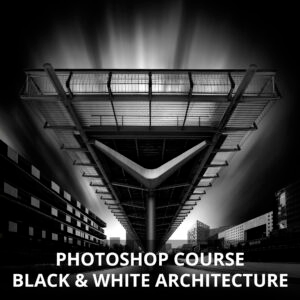
Black and white architecture Photoshop course
Original price was: 149,00€.119,00€Current price is: 119,00€.