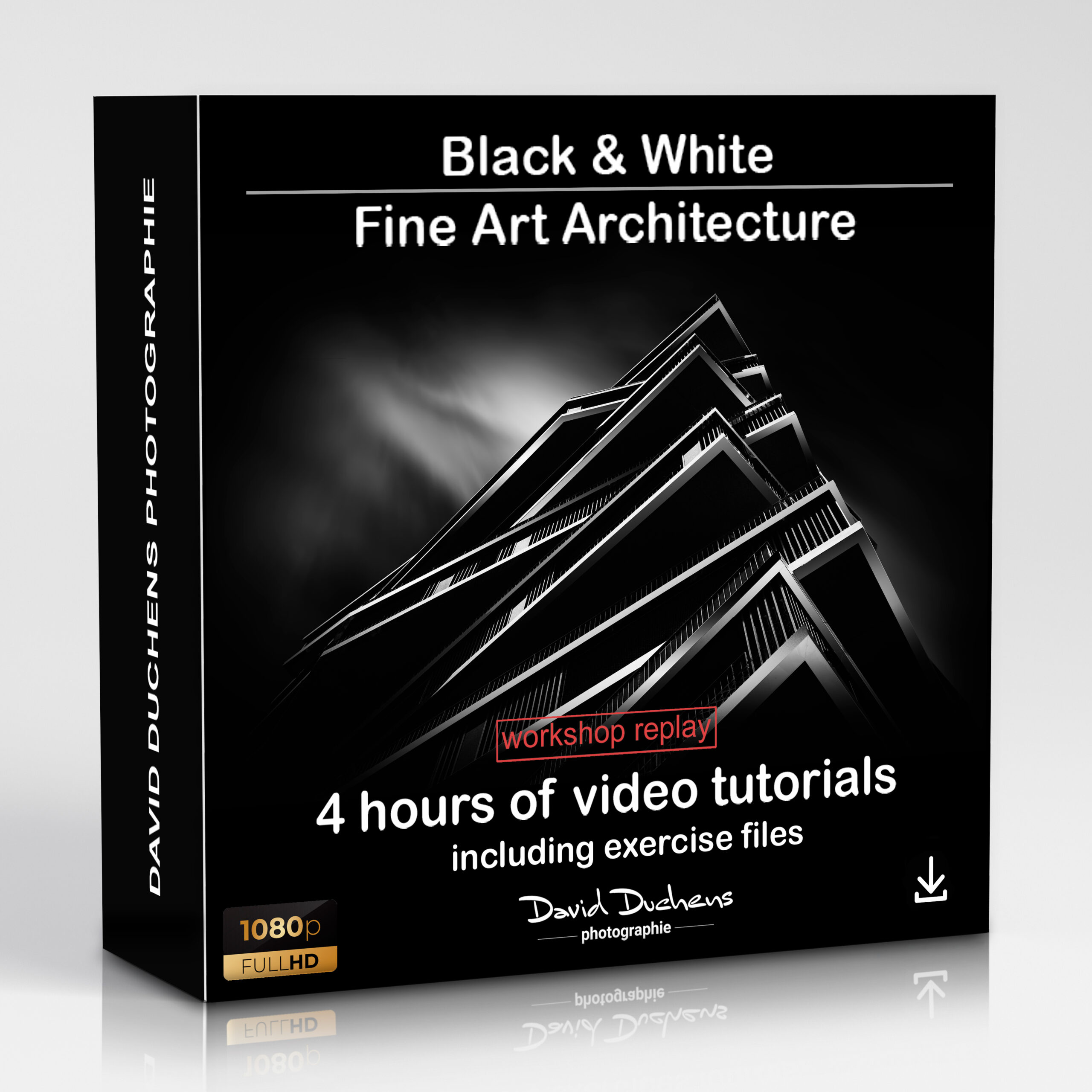
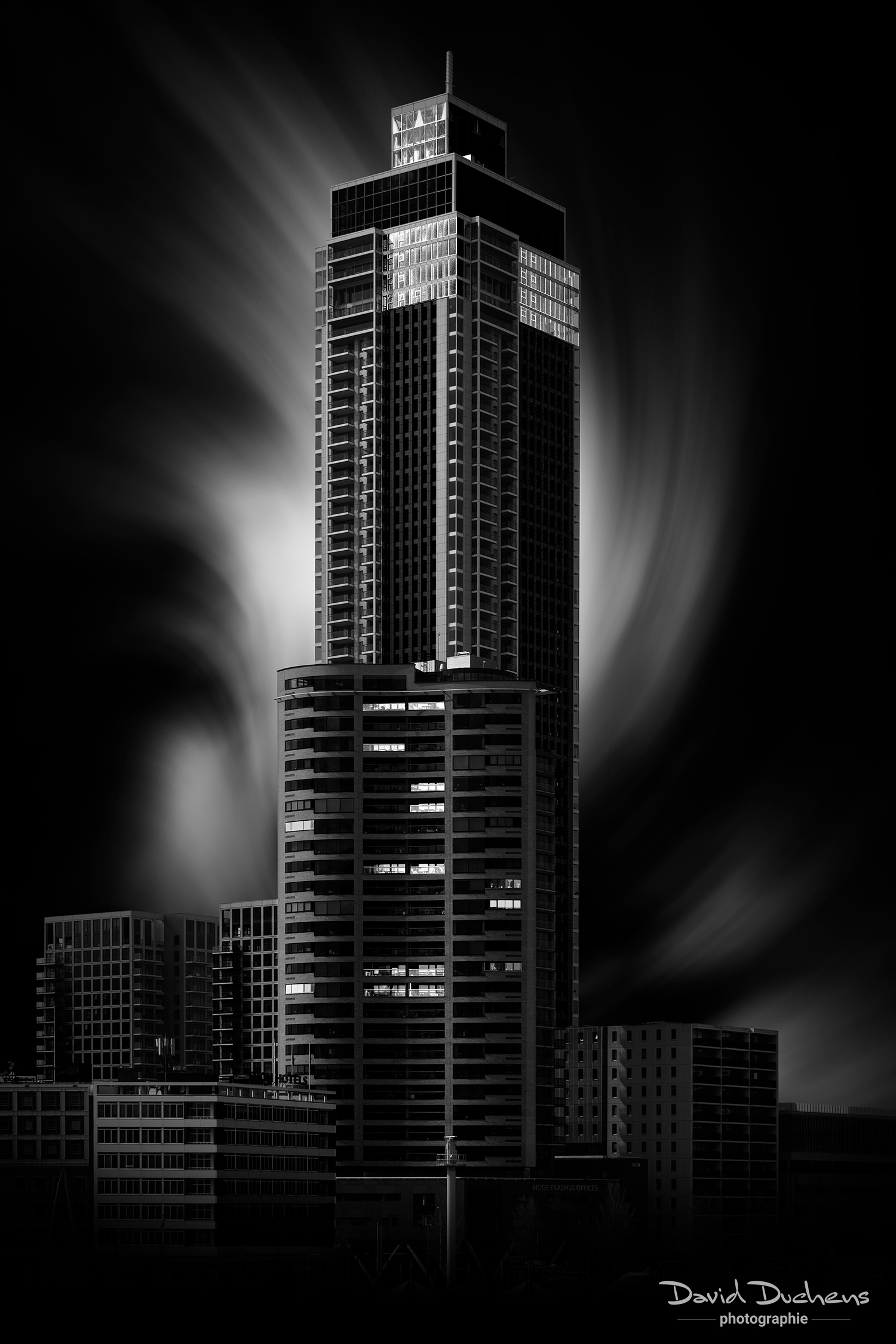
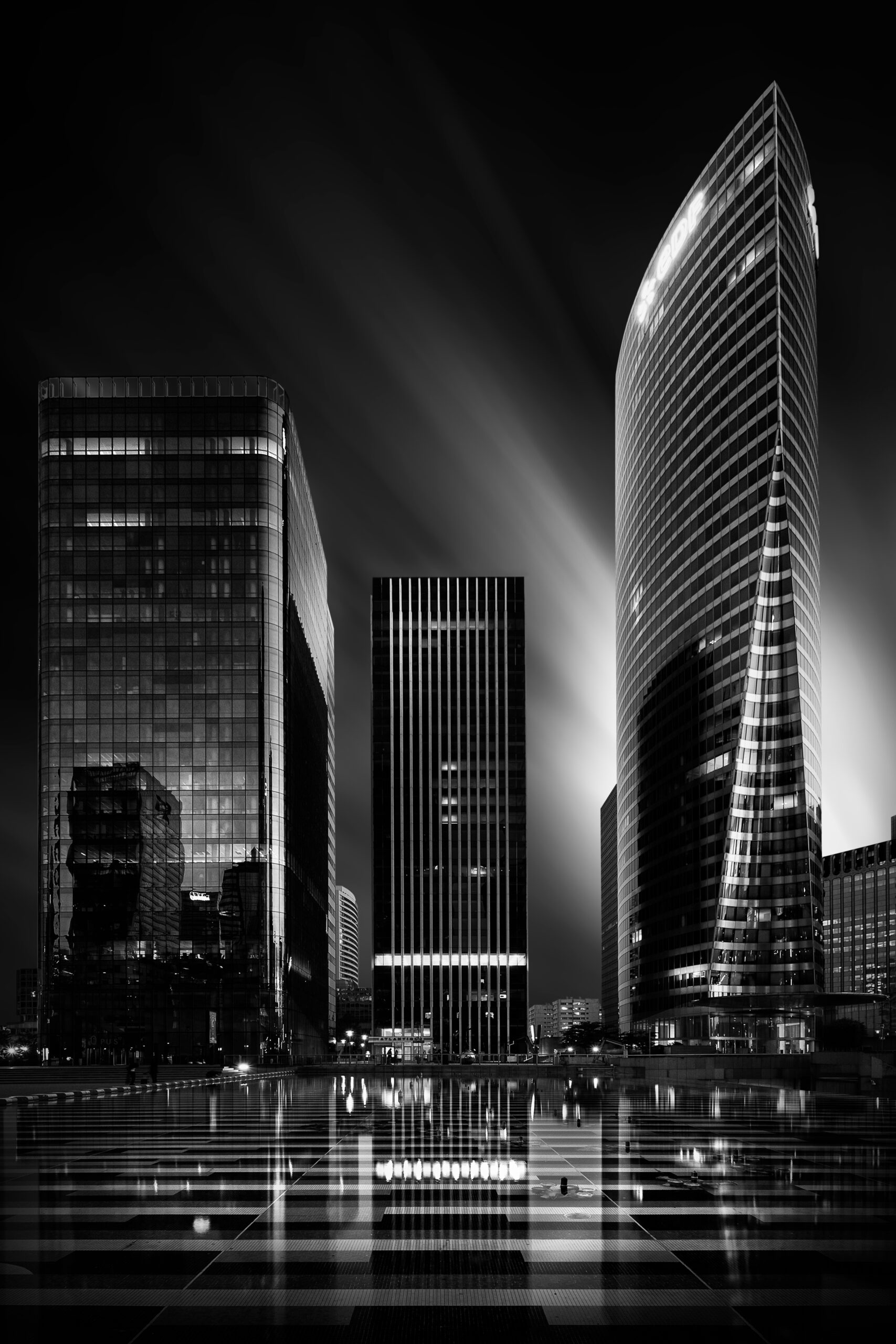
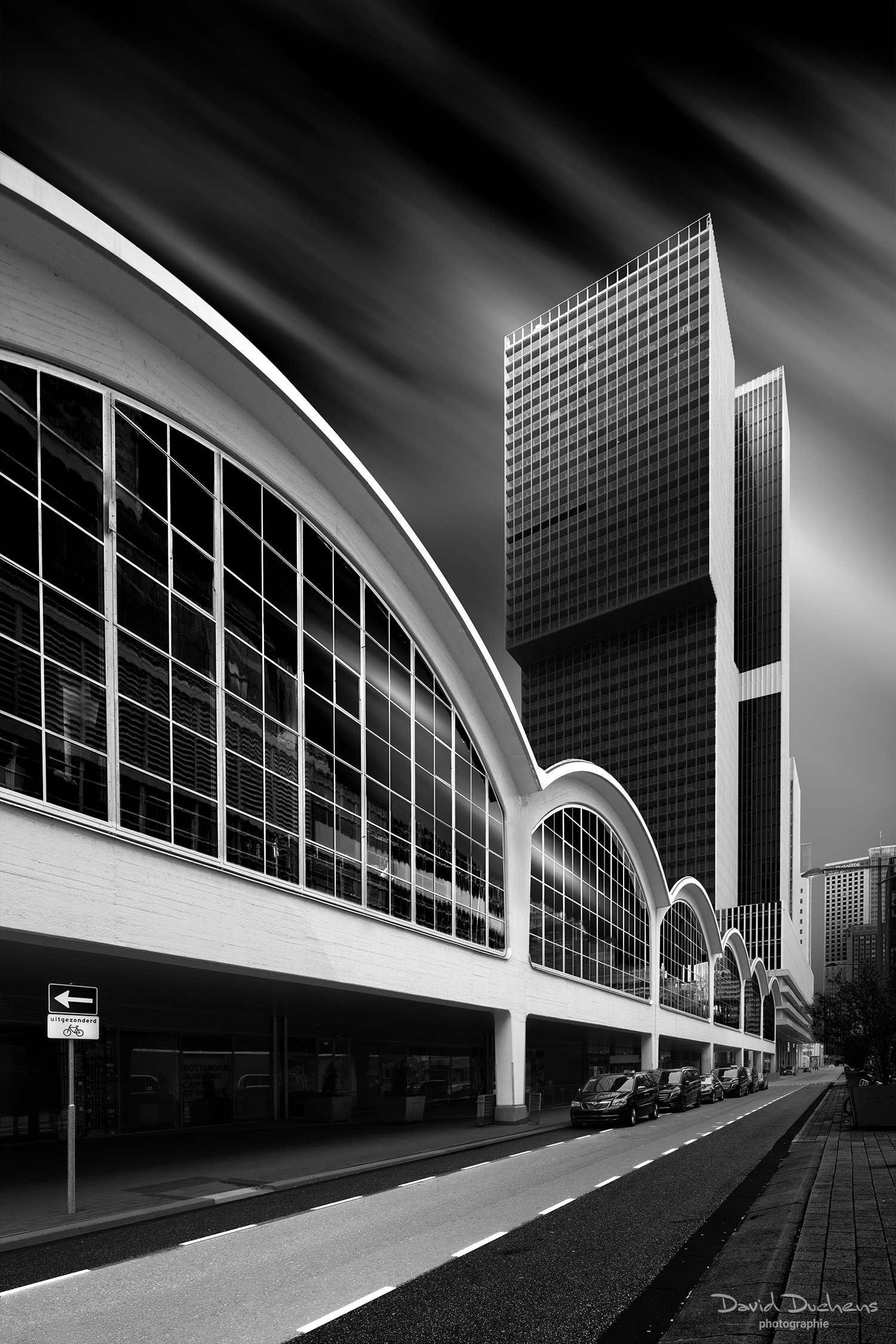
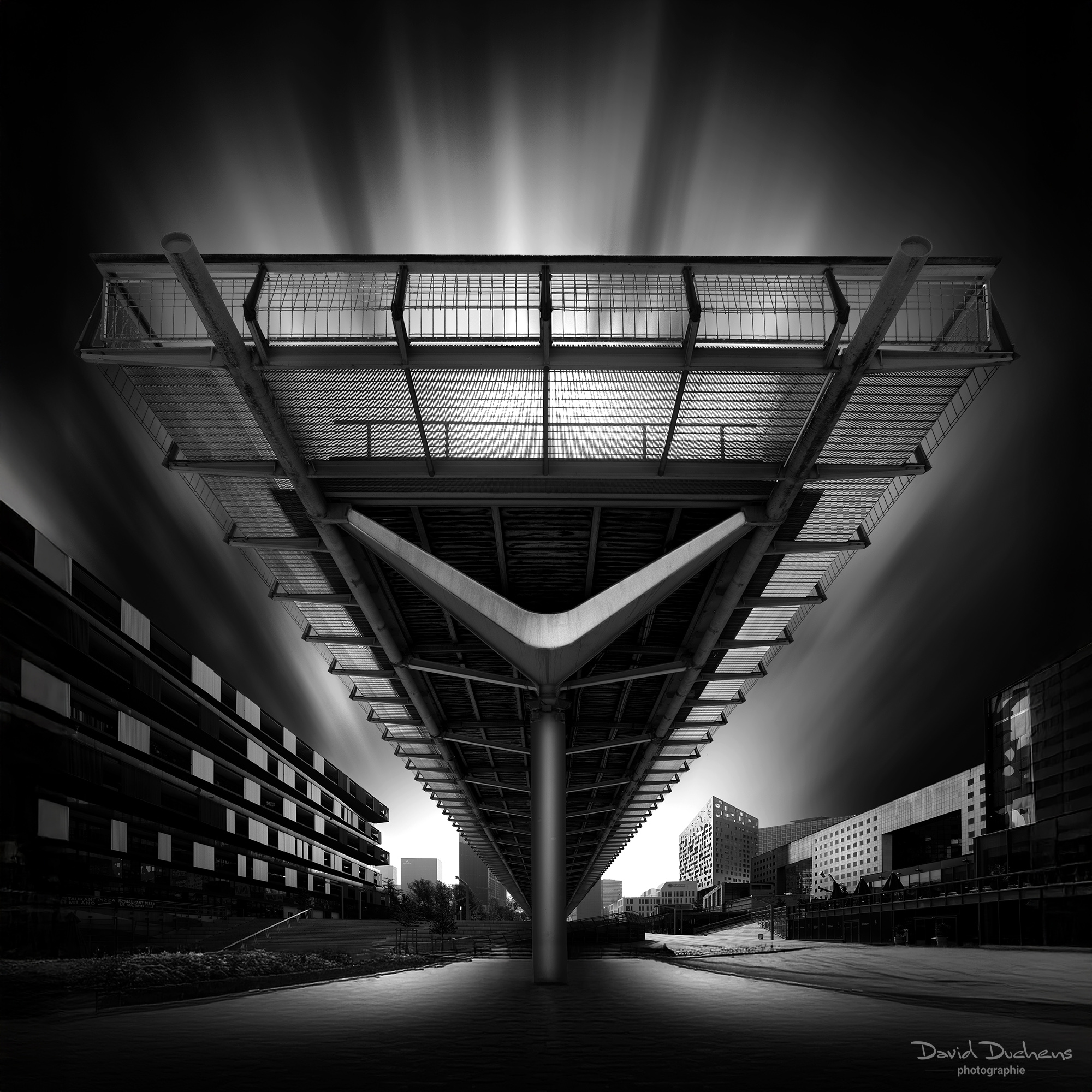


Black and White Fine Art Architecture (REPLAY)
149,00€
(124,17 Euros excl. VAT)
Black & White Fine Art Architecture
Dive into the world of Fine Art black & white with this complete replay of the online workshop presented in November 2024.
Replay content:
- 4 hours of video in Full HD: Relive every moment of the workshop with detailed explanations and practical demonstrations.
- Exercise files: Access all the files used during the workshop to practice and perfect your techniques.
Why is this workshop a must?
This workshop is the most comprehensive I’ve presented to date on the subject of Fine Art black & white. You’ll discover :
- Simple techniques for enhancing your black & white images.
- Methods for developing a creative and personal approach to your creations.
- Tips for mastering Fine Art rendering and adding a truly artistic dimension to your photos.
Whether you’re an amateur or a professional photographer, this replay is an invaluable resource for enhancing your skills and giving your work a new perspective.
- Video recordings of the 2 sessions provided – download Full HD
(4 hours of video tutorials)
- Exercise files provided
This replay follows an online workshop (Photoshop workshop) presented in November 2024.
It includes the videos (over 4 hours of recordings) as well as the exercise files.
You'll receive the download links within a few moments of payment (PayPal or credit card).
Join me for this online workshop dedicated to black and white architecture, and the most comprehensive I've organized since.
The Fine Art style will no longer hold any secrets for you, and will enable you to create unique images with strong visual impact.
For the first time, I've brought together all the knowledge I've acquired over the years in this comprehensive workshop.
Indeed, I've always enjoyed trying out new approaches and learning new techniques. Sometimes I've also used some new plugins.
I've also been lucky enough in recent years to collaborate with some great specialists and artists.
Workshop content :
- Presentation of this image style: I'll explain in a few words my technical and creative approach to these monochrome images.
- Shooting conditions: I'll give you some advice on how to get the best possible images for initial retouching, starting in the best possible conditions.
- Opening images in Photoshop: at this stage, a few additional adjustments will be made to the image.
- Tools required: we'll review the main tools we'll be using for creation (including selection tools, layer masks, adjustment layers, smart objects and filters). There are many possibilities and choices when using Photoshop, but here I'll suggest some simple and effective ones.
- Preparing selections: this is where the creative process begins. Here you'll learn how to make your choices, by selecting different areas of the image, and thus prepare it for the following stages.
In this workshop, I'll introduce several selection techniques, depending on the complexity of the subject to be selected (geometric selection tools, alpha channel, mask mode, pen tool).
To do this, several basic photos will be used and explained in detail. - Creating lighting effects: you'll learn the different techniques for creating lighting effects for this style of image.
Several possibilities will be explained, depending on the materials and textures of the architectural elements. - Replacing the sky: if the sky is present in the composition (which is almost always the case), you'll learn how to replace it.
As the sky is an important element in the creative process, a number of effects will be explained. - Creating the overall mood: at this stage, I'll explain a number of techniques for creating the final mood of the image. We'll be working on contrasts in particular.
In this workshop, I'm also adding the creation of lighting effects through the use of ray-brushes. - Corrections and finalization: here we'll work on any minor retouching. I'll also teach you two additional techniques for fine-tuning the lighting effects. Finally, I'll give you a few tips for improving certain aspects of the image.
- Using plug-ins : although they're not necessary for image creation, over the years I've discovered softwares that can be used to create or add interesting effects (Boris FX Optics,Nik Collection). I'll show you how they work and what they can do.