
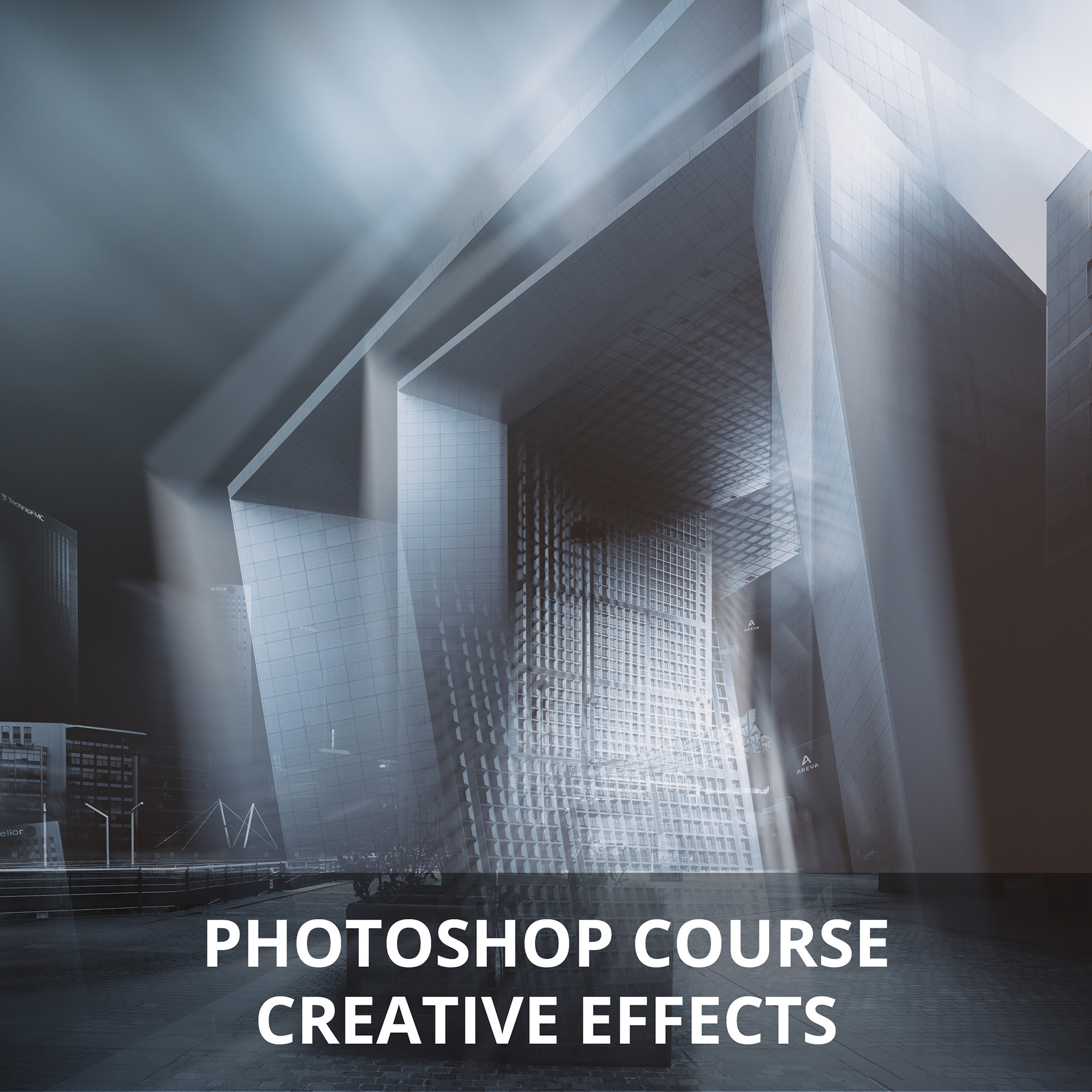
Creative effects Photoshop course
Original price was: 149,00€.119,00€Current price is: 119,00€.
(124.17 Euros excl. VAT))
- Rate for 1 person
- Course duration: 3 hours
- Prerequisites: basic knowledge of Photoshop
- Video summary provided (recorded live during the course)
The date and time of the lesson will be arranged by email or phone after booking,
taking into account our availability and the time difference.
(see description below for more details)
It will teach you how to create effects in your images, in the style you can read in this description.
This course is aimed at advanced Photoshop users who already have a good knowledge of the software (layers, dynamic objects, blend masks, selections). If you don't master certain points, we can review them during the course. Please don't hesitate to contact me to discuss this.
Several techniques and effects will be explained in this course:
- Motion blur :
While the application of this type of filter is simple to implement on an entire image, here you'll study techniques for placing them locally on an architectural image. To give the image even greater impact, you'll learn how to duplicate the effect, dosing gradients and playing with layer blending modes in particular.
- Combining black & white and color images:
Here you'll learn how to mix the colors of a photo with its black & white version. This technique requires prior selection and transformation.
You'll learn how to create different moods, by modifying colors or creating a misty atmosphere.
- Stacking :
This technique allows you to combine several layers, to give a look as you can see below. Layer placement can often produce very different results.
- Light radius :
Rays can be created by creating selections and filling them with an adjustment layer. However, the rendering is not always perfect.
You will learn how to create rays using a very different method, starting with a simple layer.
- Sky:
There are many ways to create surreal skies.
I'll show you some of the techniques involved.
The possibilities are endless when it comes to retouching images and adding creative effects, so everyone will find their own path and style. Learning the different techniques and mastering these tools will help you reach your goal more easily, and more quickly with practice.
Video summary:
This course is accompanied by a video summary.
It is recorded during the course and summarizes the key points. Also, depending on your specific needs, which will be assessed during the course, certain additional points may be added to the video.
The video summary will be sent to you in MP4 format, via WeTransfer, after the course.
Note:
The Dxo Nik Collection suite can sometimes be useful for this course. Please note that installation is not an absolute necessity.
Please do not hesitate to contact me if you have any questions.