
Color architecture Photoshop course
Original price was: 149,00€.119,00€Current price is: 119,00€.
(124.17 Euros excl. VAT))
- Rate for 1 person
- Course duration: 3 hours
- Prerequisites: basic knowledge of Photoshop
- Video summary provided (recorded live during the course)
The date and time of the lesson will be arranged by email or phone after booking,
taking into account our availability and the time difference.
(see description below for more details)
Overview:
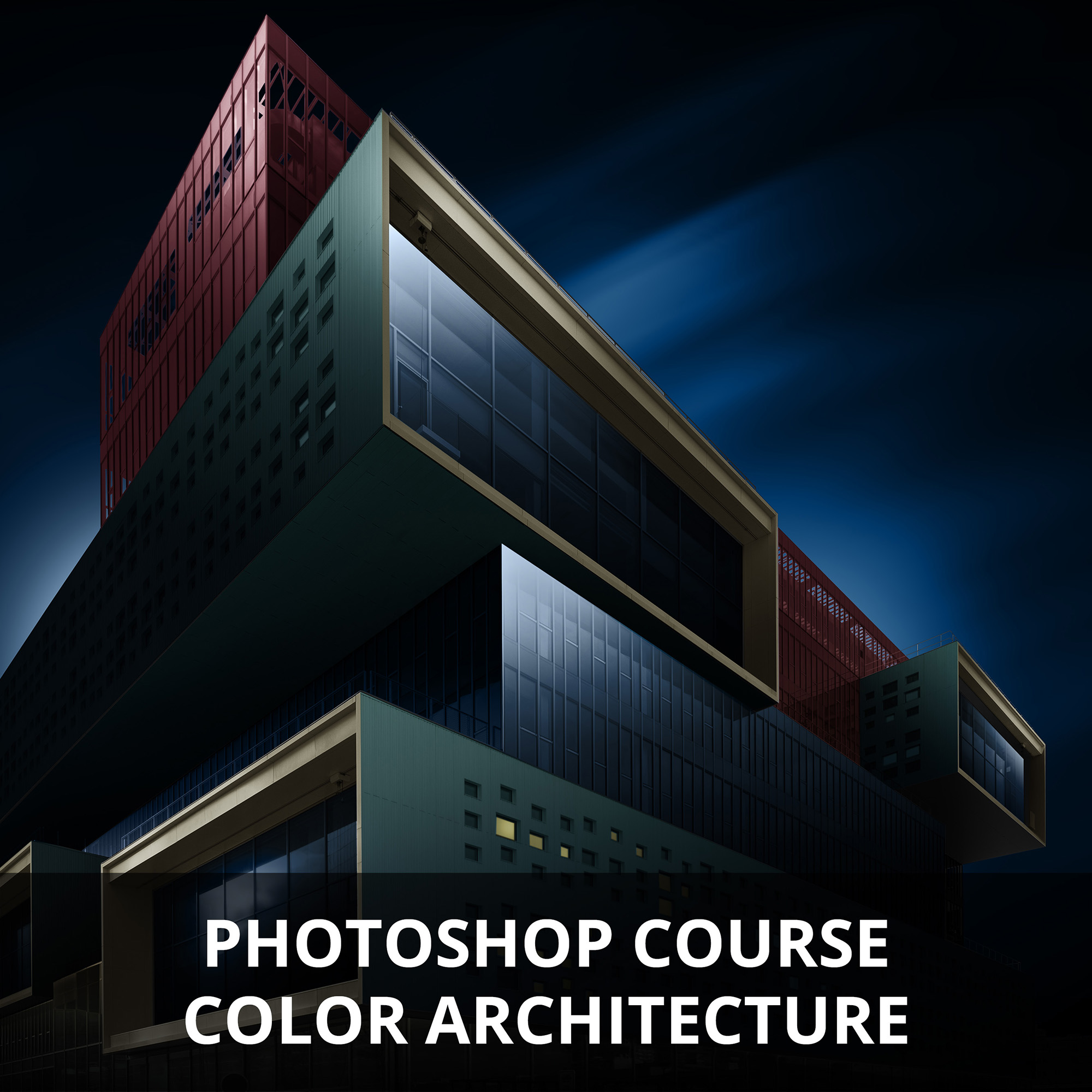
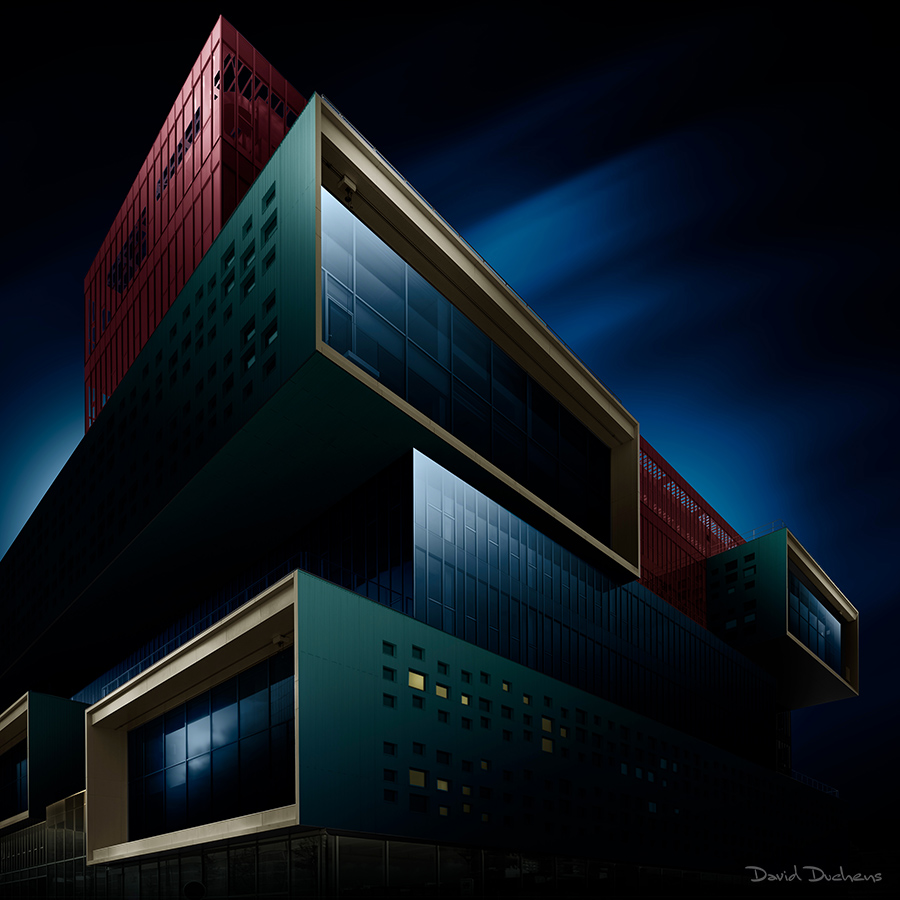
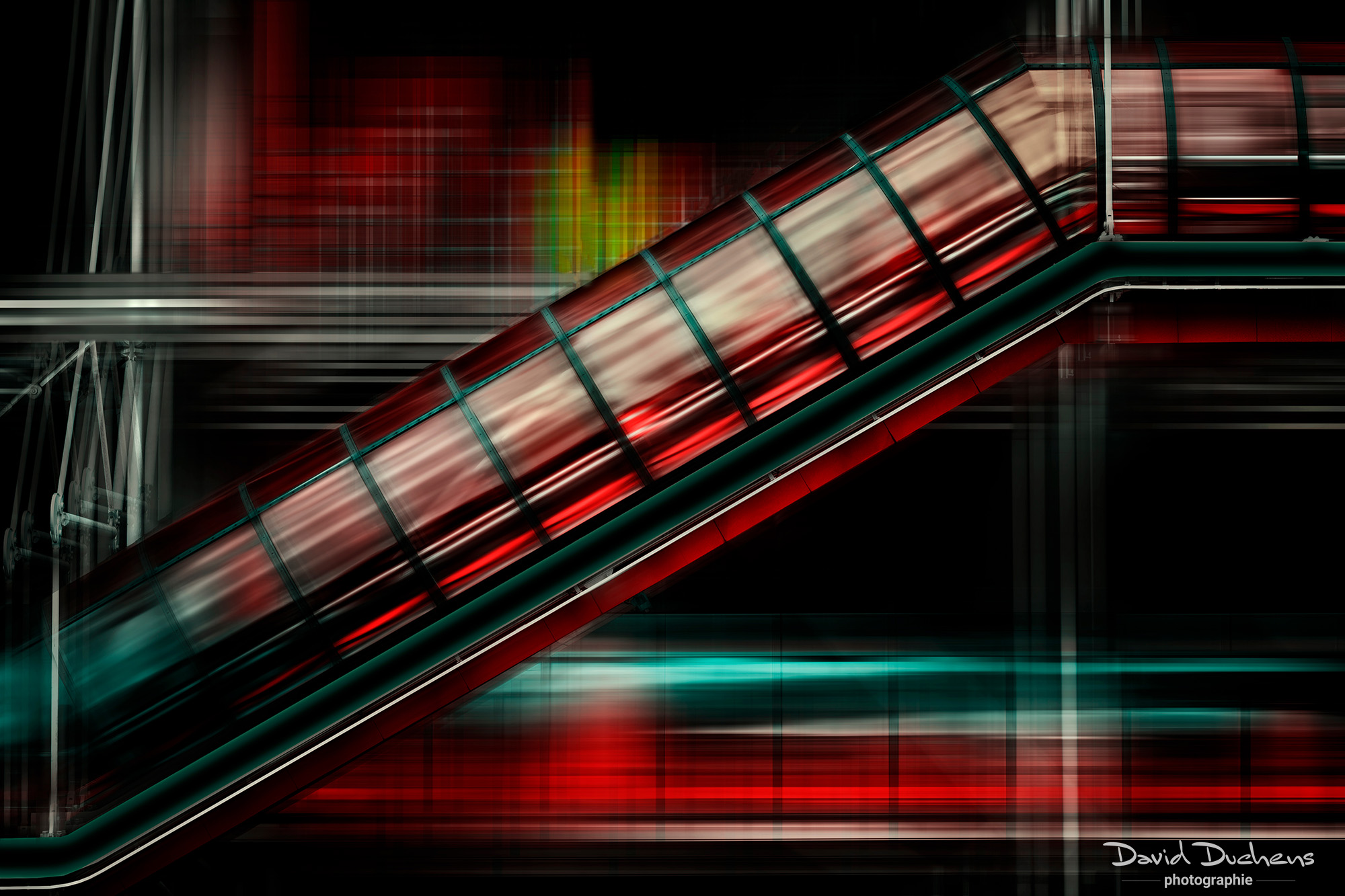
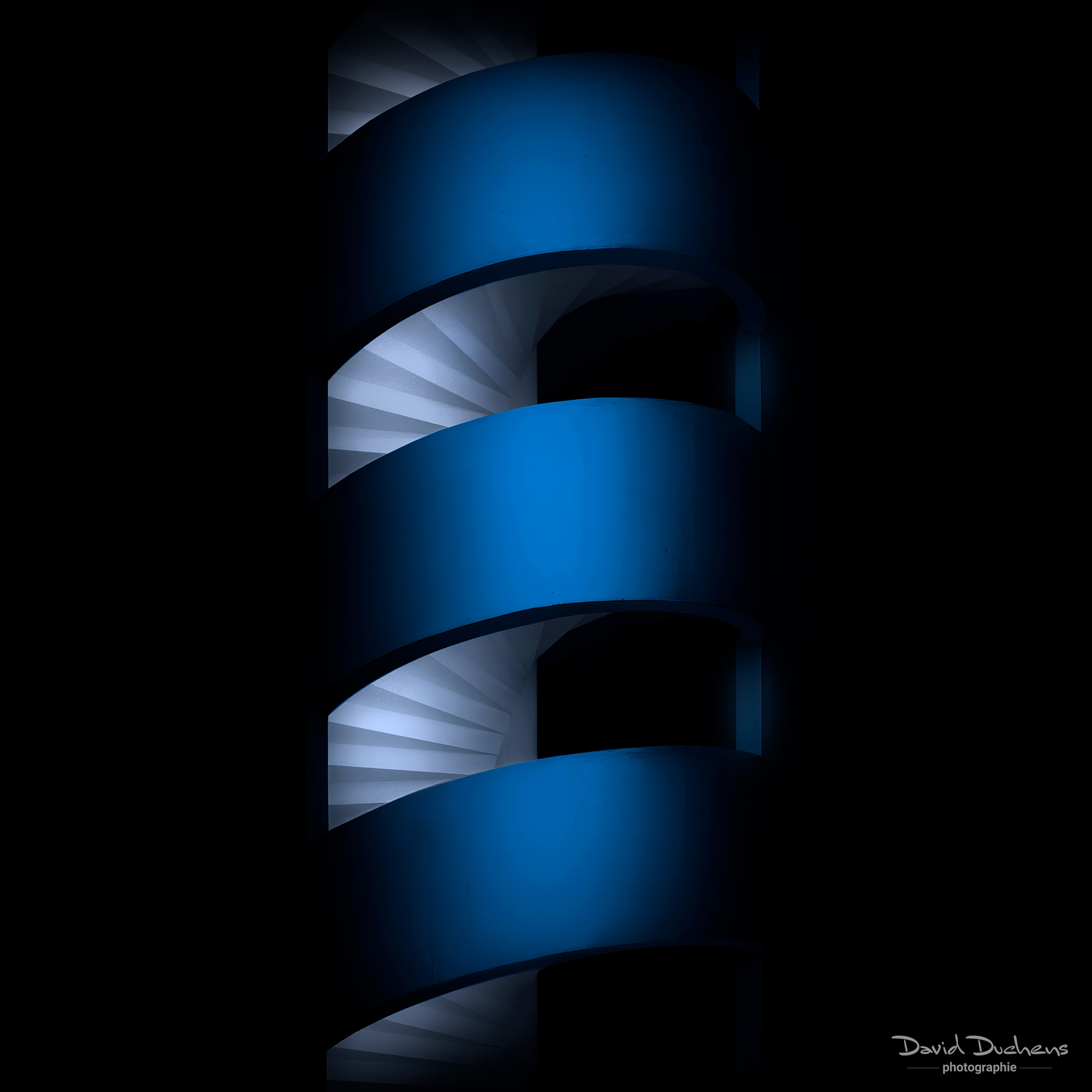
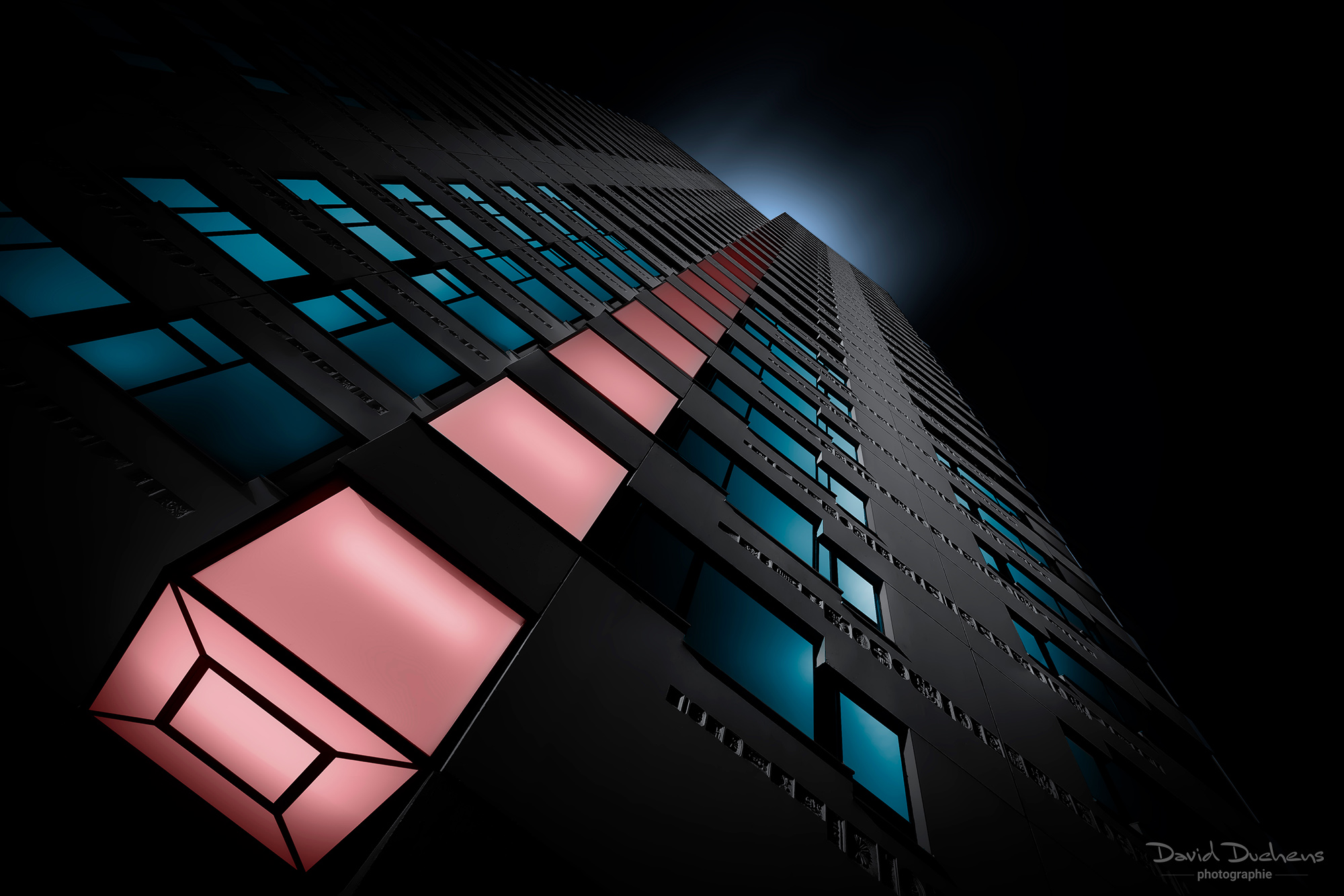
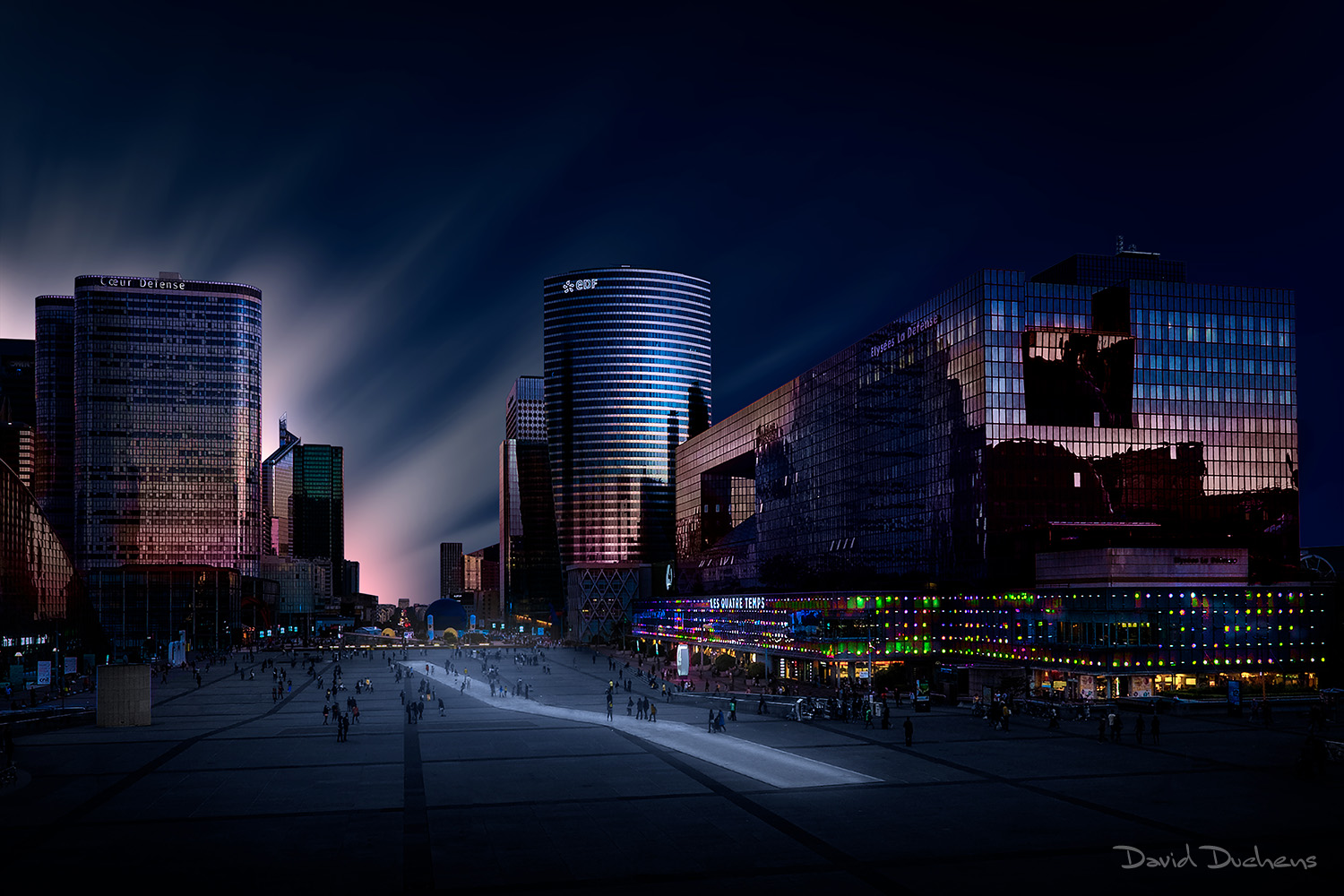
In this course, you'll learn how to create architectural images, in atmospheres such as you'll see below in the course description.
In order to achieve the desired result, work will be carried out primarily on colors, skies and, finally, the general ambience.
As transformations are often localized, a preliminary selection process will be carried out. You will study the methodology starting from a work file, which will be provided to you.
The different techniques, tools and settings required will be studied.
As the sky is an important element in the overall ambience, you will learn several techniques, either by working with an imported sky to which one or more effects have been added, or by creating your own sky, with a technique that will be very well suited to this style of image.
Course content :
- Presentation of this image style: I'll explain in a few words my creative approach to this image style.
- Shooting: technique and tips.
- Composition: architectural photography requires a great deal of rigor. The elements that make it up, usually lines, have a special importance and meaning. The rules of architectural composition will be explained.
- Preparing selections: Here you'll learn how to select different areas of an image, in preparation for the following steps.
- Working with colors: here you'll learn how to place colors or modify tints, using various adjustment tools. The approach will vary according to the starting medium. The different approaches will be explained.
- Sky replacement : as mentioned in the presentation above, particular attention will be paid to sky creation. The sky replacement tool in Photoshop will be briefly presented, the idea here being to create your own skies, and therefore study the technique. Here too, several approaches will be discussed.
- Creating the overall mood: in this step, you'll learn how to modify the mood of an image. Whether it's playing with contrasts, the amount of light, or colorimetry, the different possibilities will be explained. These will enable you to create your own moods for your images.
- Image finalization: transforming an image often requires corrections at the end of the process. Here are a few tips.
- Q& A: we'll review the concepts we've studied, and I'll answer any questions you may have.
Remarks :
- This course consists of a theoretical part and a practical part. I will adapt and alternate these two parts according to the knowledge you have already acquired, and the techniques I will introduce to you.
- For the practical part, you will be guided through the image creation process.
- To optimize course duration, please read "How Photoshop courses work" on the FAQ page.
Video summary:
This course is accompanied by a video summary.
It is recorded during the course and summarizes the key points. Also, depending on your specific needs, which will be assessed during the course, certain additional points may be added to the video.
The video summary will be sent to you in MP4 format, via WeTransfer, after the course.